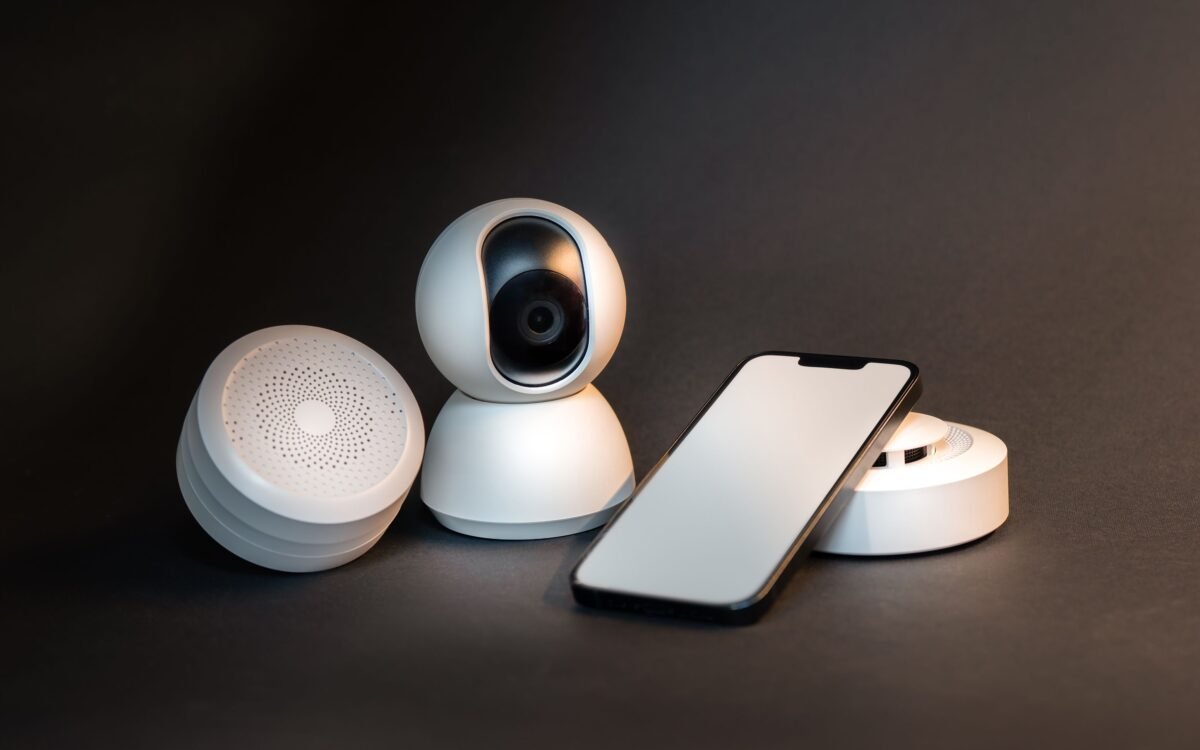
Matter and Thread Explained: Finally Building a Smart Home That Just Works
The Matter smart home standard exists to end one of the oldest frustrations in home technology. For years, a light bulb from one brand would not talk to a hub from another, and a door lock needed yet another app.
Matter changes that deal. It is a shared language that lets devices from different makers work together, no matter which voice assistant or app you prefer.
The promise is simple to state and harder to deliver. Buy a certified device, scan a code, and control it from more than one platform at once.
This guide explains what Matter is, what Thread does, what is new in 2026, and what to buy first if you are starting now.
What is the Matter smart home standard?
Matter is a common language for smart home devices. It was published by the Connectivity Standards Alliance, and the first version, Matter 1.0, arrived in October 2022.
Think of it as a rulebook, not a radio signal. It defines how a light, a lock or a thermostat describes itself, takes commands and reports its state.
Matter runs on networks your home already has. It travels over Wi-Fi, wired Ethernet or Thread, and it uses Bluetooth Low Energy only to help set a device up.
A device must pass testing at an approved lab before it can carry the Matter logo. That certification is what makes the promise believable.
Without a shared standard, every brand built its own walled garden. A DEV Community guide to Matter calls it the biggest change in smart home technology in a decade.
The guide’s key point is worth repeating. Matter does not replace your existing ecosystem. It connects ecosystems so they can share the same devices.
How is Matter different from Thread?
Matter and Thread are often named together, but they do different jobs. Matter is the language. Thread is one of the networks that can carry it.
Thread is a low-power wireless mesh network built for small devices around the home. It runs on the same 2.4 GHz radio technology as Zigbee, but every Thread device gets its own IPv6 address.
That address matters. It means a sensor can talk directly to your home network without a proprietary gateway translating for it.
In a mesh, devices pass messages to each other instead of each one linking straight to the router. The network reaches places a single Wi-Fi signal might miss, like a garage or a back bedroom.
If one device fails, messages route around it. The mesh heals itself, and adding more mains-powered devices makes it stronger.
A Matter device does not have to use Thread. It can run over Wi-Fi or Ethernet instead, and many plugs and bulbs do exactly that.
The practical rule is simple. A device can be Matter over Wi-Fi, Matter over Thread or Matter over Ethernet, and all three are valid.
What is a Thread border router, and do I need one?
A Thread border router is the bridge between the Thread mesh and the rest of your home network. Without one, Thread devices cannot talk to your phone or your Wi-Fi.
You do not buy a border router as a separate box in most cases. It is built into many smart speakers, hubs, streaming boxes and some Wi-Fi routers.
Check what you already own before buying anything. Many homes already have a border router sitting on a shelf, doing nothing yet.
One border router is enough to start. Larger homes may need more, because each one extends the mesh into a new corner of the house.
The real fix in 2026 is less visible but more useful. New Technology’s 2026 Matter and Thread snapshot highlights Thread credential sharing.
It stops rival hubs from building competing, invisible Thread networks in the same house. Your devices join one shared mesh instead of splitting into rival camps.
That single change removes one of the most confusing failures in early Matter setups. Two hubs, two networks, and devices that vanished from one app but not the other.
What devices work with Matter in 2026?
Matter has rolled out in phases, and the list of supported devices has grown with each release. Lights, plugs, switches, locks, thermostats and sensors were there from the start.
Blinds, shades, garage doors and gates arrived later. So did robot vacuums, fans, air purifiers and smoke alarms, among others.
Cameras were the most-wanted missing category for years. SmartHomeLens on Matter 1.5 explains that the 1.5 release finally added them.
It covers doorbell cameras, indoor and outdoor cameras, floodlight cameras and pan-tilt models. Video travels over WebRTC, with two-way talk and local or remote access.
Soil sensors also joined in 1.5, which matters for garden watering. They report moisture and, optionally, temperature, and can trigger watering through valves you already own.
The honest caveat is that a feature can exist in the specification before it appears in shops. Retail devices and ecosystem apps lag the spec by months.
Datawire’s Matter and Thread guide states the rule plainly. A feature in the spec is not the same as a feature on a shelf.
What is multi-admin, and why does it matter?
Multi-admin is the feature that makes Matter worth the wait. It lets one device join more than one platform at the same time.
Set up a light in one app, then share it with another platform by scanning a code. Each platform talks to the device directly over your local network.
No cloud relay is needed in between. Your voice assistant, your phone app and your automations can all control the same light independently.
Before Matter, a device usually belonged to one ecosystem. Moving platforms meant rebuilding your whole home, device by device.
Multi-admin also protects your investment. If you switch phones or voice assistants later, your devices come with you instead of starting over.
Matter 1.4 added Enhanced Multi-Admin, which lets ecosystems share a device with a single user consent. The idea is one tap, not a form for every platform.
Sharing still depends on each platform supporting it. Check that the apps you use both offer multi-admin before you count on it.
How do I set up a Matter device?
Setup starts with a code, not a password. Every Matter device ships with a QR code, a printed setup code, or both.
Open your chosen smart home app and choose to add a device. Scan the code, and the app walks through the rest in a few steps.
Bluetooth Low Energy handles the first handshake. It is only used for setup, and the device switches to Wi-Fi or Thread once it joins your home.
Keep the code somewhere safe after setup. You will need it again if you move the device to another platform or reset it.
The most common setup failure is a weak border router signal. If a Thread device will not join, move it closer to a border router for setup, then move it to its final spot.
Another common failure is a phone on a different network. Your phone, the device and the hub should all be on the same home network during setup.
If setup stalls, restart the device and try again before blaming the standard. Most failures are network problems, not Matter problems.
What is new in Matter 1.5 and 1.6?
Matter 1.5 arrived on 20 November 2025, and it was the biggest functional update since the standard launched. Its headline addition was cameras.
It also added a unified closures model for shades, drapes, awnings, gates and garage doors. One model now covers single, dual and nested panels.
Energy management grew too. Devices can now exchange standardised information on energy pricing, tariffs and grid carbon intensity.
A new electrical tariff device type lets utilities and grid operators share real-time and forecast pricing in a Matter-defined format. That feeds smarter metering and EV charging.
Matter 1.5.1 followed on 31 March 2026 as a camera-focused maintenance update. It improved multi-stream delivery, snapshots, recording and doorbell chimes.
Matter 1.6 arrived on 17 June 2026 with no new device categories. It added NFC-based commissioning, Joint Fabric for sharing across ecosystems, and thermostat suggestions.
A maintenance release, Matter 1.6.1, followed in September 2026. Copilot’s version-by-version breakdown tracks all six releases in under two years.
The same breakdown carries a warning worth hearing. None of these releases reach homes on release day, and ecosystem support lags behind.
What should I buy first for a Matter smart home?
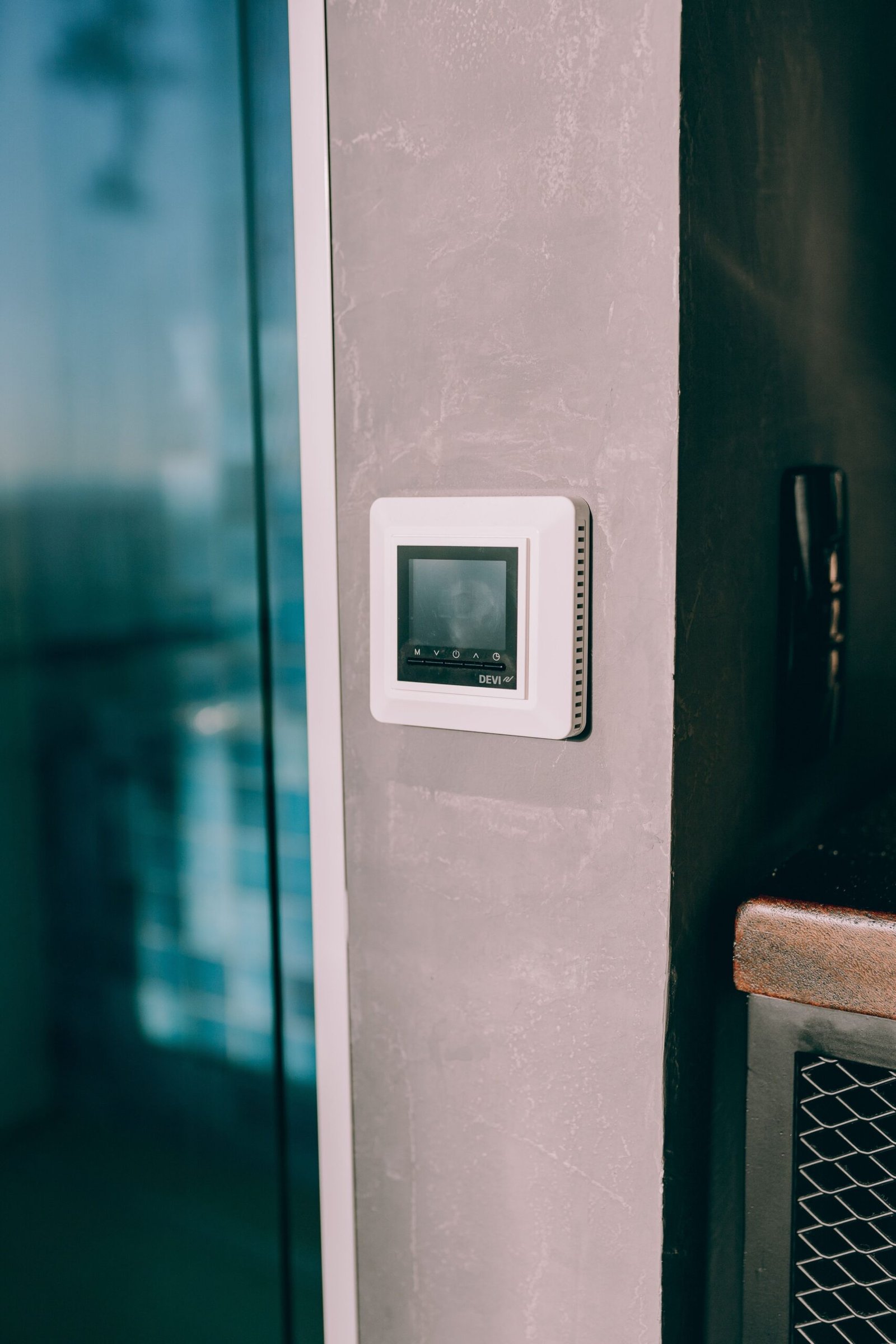
Start with the devices you touch every day. A smart plug or a light bulb is the cheapest way to test whether Matter works in your home.
A thermostat is a strong second step. It saves energy, it is used daily, and most major platforms support Matter thermostats well.
Buy one room at a time rather than the whole house at once. That way a bad choice costs little, and a good choice teaches you what to buy next.
Check the box for the Matter logo before you pay. A device that says it works with one platform is not the same as a certified Matter device.
Check the connection type too. A Thread device needs a border router nearby, while a Wi-Fi device needs a strong signal in that room.
Prices and specs change often, so compare current prices and confirm compatibility with your platforms before buying. A quick check now beats a return later.
What are the limits of Matter today?
Matter does not cover everything yet. Some device types are still missing, and some features exist in the spec but not in the apps you use.
Advanced features are the first casualty. A camera may join Matter but lose its smartest detection features, which stay locked in the maker’s own app.
Video doorbells are a good example. Basic video and two-way talk may work across platforms, while package detection stays platform-specific.
Firmware updates are another gap. Apple Home Authority’s Matter 1.5 overview notes that each maker decides which existing models get updated.
Most modern cameras have the power and memory for Matter 1.5, but that does not mean your model will receive it. Check the maker’s update page first.
Ecosystem support is uneven as well. One platform may expose a feature fully while another shows only basic controls for the same device.
None of this makes Matter a failure. It makes it a standard still growing into its promise, and buyers should expect rough edges.
What should I check before buying a Matter device?
Read the box, not the headline. Look for the Matter logo, the connection type, and the platforms the maker lists as supported.
Confirm your home has what the device needs. A Thread device needs a border router, and a Wi-Fi device needs a solid signal where it will live.
Check whether the device works locally. DevStack’s architecture explainer describes how Matter keeps control on your local network.
Local control means lights and locks keep working when the internet drops. Cloud-dependent devices stop working the moment your connection does.
Ask who controls the data. Matter encrypts device traffic, but each platform still has its own privacy policy for what it stores.
Finally, check the return policy. A device that will not join your mesh is a return, not a project, and a good return window saves the argument.
Our Smart Home coverage will keep tracking which devices live up to the standard. For the wider home, see our Home & Living coverage and Home Decor ideas, plus our latest news.
Frequently Asked Questions
What is the Matter smart home standard?
The Matter smart home standard is a shared language for smart home devices, published by the Connectivity Standards Alliance. It lets certified devices from different brands work across platforms like Apple Home, Google Home, Alexa and SmartThings.
Do I need Thread to use Matter?
No. Matter can run over Wi-Fi, Ethernet or Thread. Thread is only needed for low-power devices like sensors and locks that use the Thread mesh.
What is a Thread border router?
A Thread border router connects the Thread mesh to the rest of your home network. It is built into many smart speakers, hubs and routers, so check what you already own before buying one.
Can one Matter device work with two platforms at once?
Yes. Multi-admin lets a single Matter device join more than one platform at the same time, so you can control it from different apps and voice assistants.
Is my old smart home gear useless now?
Not necessarily. Some older devices can join Matter through a bridge, which translates between protocols. Others will keep working in their own ecosystem but will never speak Matter.
Sources: DEV Community, DevStack, Copilot, Datawire Solutions, New Technology, SmartHomeLens and Apple Home Authority.
Figures are as reported by those publications as of 25 November 2026. Prices and specs change — check current prices and compatibility before buying.