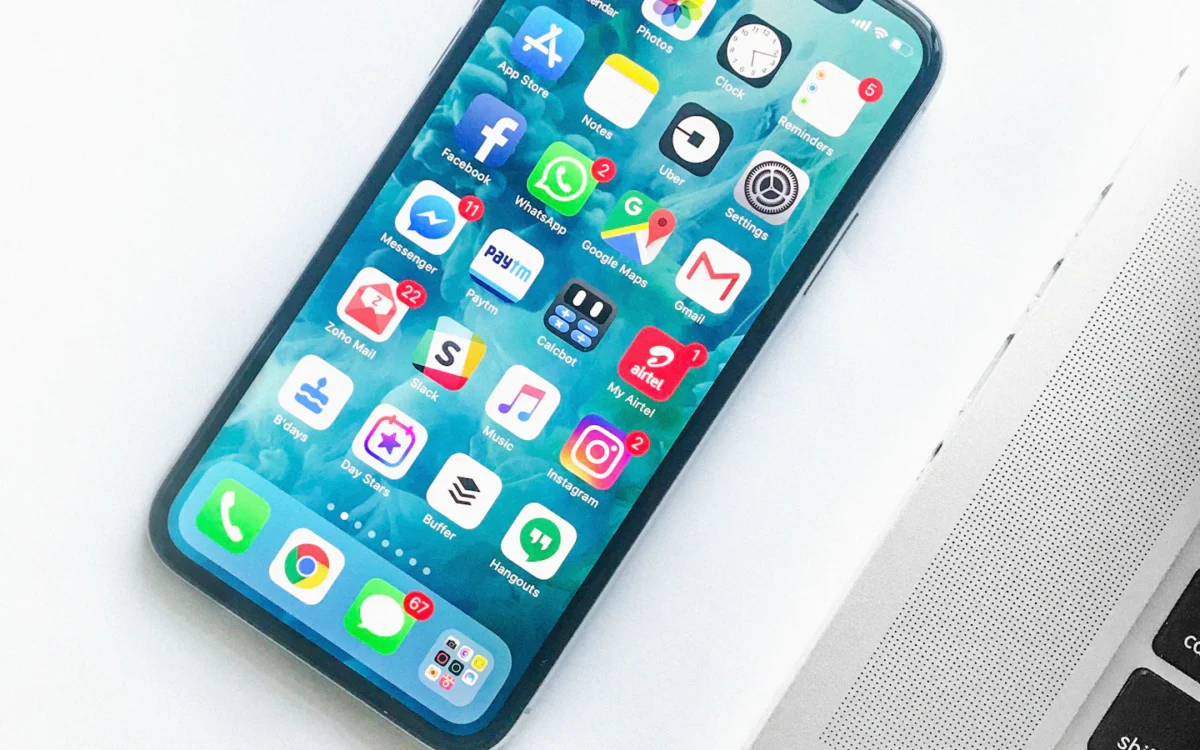
WhatsApp Adds Scheduled Messages for iPhone and Android Users
WhatsApp has finally added scheduled messages, one of its most requested features. From November 25, users on iPhone and Android can write a message now and choose when it should be delivered, up to 14 days later.
The feature covers one-to-one chats and group chats, and it works for text, photos, and videos. It is rolling out globally over the coming weeks, so it may not appear on every phone at once. For a messaging app used by billions of people, the change closes one of its longest-standing gaps.
WhatsApp announced the feature on November 25 and called it one of its most requested. Rival apps such as Telegram and Signal have offered scheduling for years, and Apple’s iMessage and Google Messages do too. WhatsApp is arriving late, but its scale means the feature will quickly become part of daily life for millions of users.
How do scheduled messages work on WhatsApp?
Scheduling a message is simple. As Digital Trends reported, users write a message as usual, then long-press the send button and choose when it should be delivered. The window starts at 10 minutes and ends at 14 days.
The recipient sees nothing unusual. A scheduled message arrives as a regular message, with no label to show that it was planned in advance. That matters for birthday wishes and reminders, which feel more personal when they land at exactly the right moment.
Users can review what they have lined up by tapping their profile picture and opening the Scheduled messages list. Pressing and holding an item deletes it. At present, there is no way to edit a scheduled message, so deleting it and writing a new one is the only fix.
Will scheduled messages still send if my phone is off?
Yes. WhatsApp handles delivery through its own servers, so a scheduled message still goes out when the sender’s phone is switched off, has died, or is in airplane mode. That detail is what makes the feature genuinely useful for early-morning wishes and timed reminders.
Privacy is protected in the same way as ordinary chats. The Mac Observer reported that WhatsApp confirmed scheduled messages retain end-to-end encryption, so even the company cannot read their contents while they wait to be sent.
The feature was tested before its public launch. It was first spotted in development in February 2026, then reached a small group of Android beta testers in October, followed by iPhone beta users. That slow path explains why some of the fine print, such as where the scheduled list lives, differs slightly between early reports and the official Help Center.
What are the limits of WhatsApp scheduled messages?
Group chats come with one catch. A scheduled message only reaches whoever belonged to the group when the message was written. Anyone who joins afterwards never sees it. That is a sensible safeguard, but it is worth remembering before scheduling an announcement for a growing group, especially for the community managers who run private channels and group chats as part of their work.
WhatsApp Business is left out for now. Business accounts cannot use the new scheduler in the consumer app, even though scheduled business broadcasts already exist in the Business app. If a small business relies on timed reminders, it will have to keep sending them by hand or through the Business app’s own tools.
There is also no desktop timetable yet. WhatsApp has not said whether its desktop apps will receive scheduling on the same schedule as mobile. And because the rollout is gradual, two people on the same version of the app may not see the feature on the same day.
Why did WhatsApp take so long to add scheduling?
WhatsApp has long favoured simplicity over extra features, and scheduling adds real complexity behind the scenes. Messages must be stored safely, delivered on time, and kept encrypted while they wait. The company also had to decide how scheduled messages should behave in groups, and what happens when a sender deletes their account before delivery.
The delay also reflects how people actually use the app. For years, users worked around the gap with third-party scheduler apps, phone automations, and simple alarms. Those workarounds were fragile and sometimes risky, since unofficial apps can demand broad access to messages. A built-in option removes the need for them.
The launch fits a wider shift at WhatsApp and its parent company Meta. The app has been adding features steadily, from events with guest invites to new tools for managing storage. The same week, Meta brought its Muse assistant into Instagram direct messages, showing how the company’s apps are becoming more capable and more connected. Our report on users ditching traditional search for TikTok and YouTube shows how quickly habits change once a familiar app adds a useful feature, and scheduling may follow the same path.
For now, the advice is simple: update WhatsApp, check whether the long-press option appears, and do not rely on it for anything urgent until you have tested it. Readers can find more app and platform news in our Digital and Internet News coverage section.
Frequently Asked Questions
How do I schedule a message on WhatsApp?
Open a one-to-one or group chat, type your message or attach a photo or video, then press and hold the send button. Choose the date and time you want it delivered, then confirm. You can schedule from 10 minutes to 14 days ahead.
Does the recipient know a WhatsApp message was scheduled?
No. A scheduled message arrives as a regular message with no label or mark to show it was planned in advance. The recipient sees it exactly as they would any other message.
Can I edit a scheduled WhatsApp message?
Not yet. WhatsApp does not currently offer an edit option for scheduled messages. To change one, open the Scheduled messages list from your profile picture, press and hold the message to delete it, then write and schedule a new one.
Do scheduled messages work in WhatsApp groups?
Yes, in both one-to-one and group chats. In a group, however, a scheduled message only reaches members who belonged to the group when the message was written. People who join later will not receive it.
When will scheduled messages reach my phone?
WhatsApp began rolling the feature out globally on November 25, 2026, and says wider availability will follow over the coming weeks. Updating to the latest version of WhatsApp from the App Store or Google Play gives you the best chance of receiving it early.