Paperless Home Systems: Digitizing Bills, Warranties, and Tax Records Safely
Paperless home organization is not about owning a fancy scanner. It is about knowing where every bill, warranty and tax record lives, and finding it in seconds.
Most homes fail at paper for a simple reason. The paper arrives faster than anyone files it, so it piles up in drawers, boxes and kitchen counters until nobody trusts the system.
A paperless system fixes that by giving every document one clear path. It arrives, it gets scanned or downloaded, it gets named, and it lands in a folder you can search.
What does paperless home organization actually look like?
A good system has four parts, and none of them is expensive. You need one place where new documents land, one way to scan them, one folder structure, and one backup routine.
The first part is a single digital inbox. Log Cabins Ireland’s paperless home office guide recommends one temporary folder where every scan, download and email attachment goes first, before anything is filed away.
Next, use a folder structure with only a handful of broad folders. Think Taxes, Home, Vehicles, Insurance, Health and Money, rather than dozens of tiny folders nobody remembers.
Which papers should you never shred?
Paperless does not mean no paper at all. Some documents only count in their original form, and a scan is just a copy for reference.
Birth certificates, passports, wills, powers of attorney, property deeds and vehicle titles belong in this group. Keep the originals in a fireproof safe or lockbox, and scan them as well so you have a reference copy.
The Federal Trade Commission recommends keeping identity and legal documents, including Social Security cards and passports, in a secure location rather than relying only on digital copies.
Tax returns, contracts that are still in force and warranties also deserve care. Scan them now, but keep the paper until the tax period or warranty period has ended.
Everything else is a candidate for scanning and shredding. Bank statements, utility bills, pay slips, letters and manuals rarely need their paper form once the scan is safely backed up.
How do you sort a pile of old paperwork?
Start by sorting before you scan anything. HiLaptop’s paperless living blueprint uses a three-tier framework: keep the original, scan and hold the paper for a while, or scan and shred.
Work through the pile one small batch at a time. A single drawer beats a whole filing cabinet, because a finished drawer proves the system works and keeps you going.
For each paper, ask one question: will I ever need to prove something with this? If the answer is no, and it is not a vital record, it can go after scanning.
Do not start with the oldest papers. Start with what arrived this week, so the pile stops growing, then work backwards through the backlog one year at a time.
How do you scan documents with your phone?
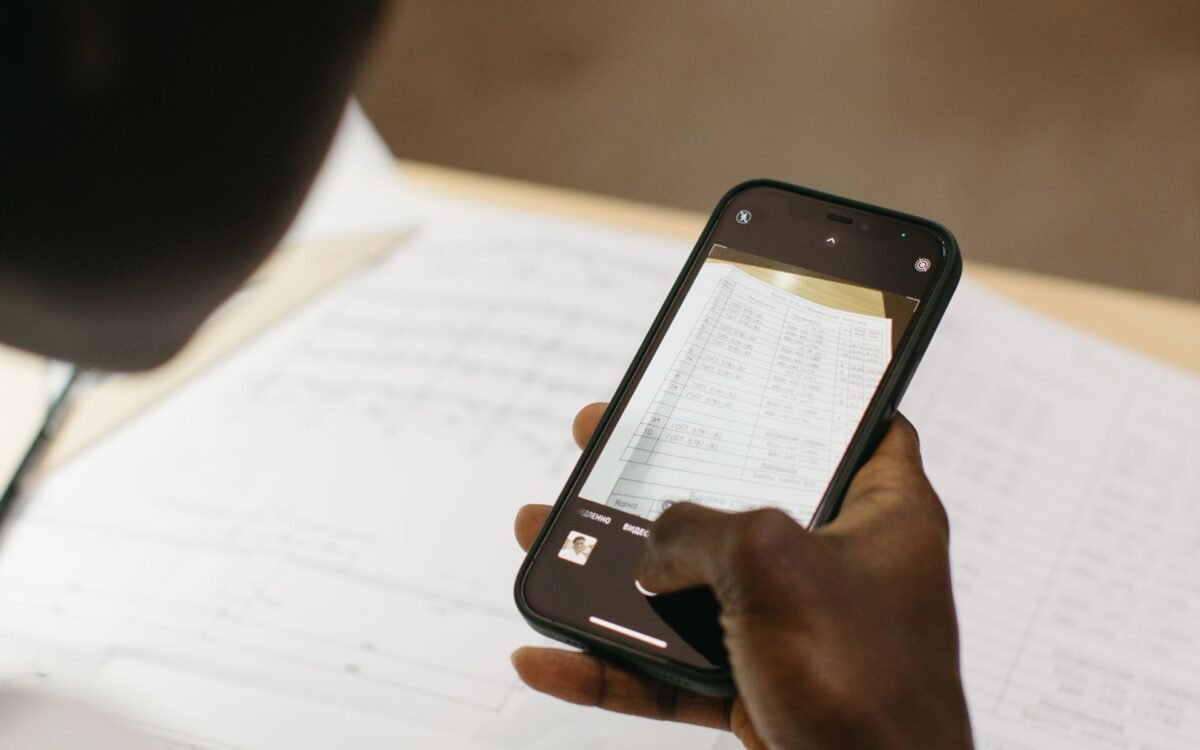
Your phone is enough for most household scanning. A scanner app photographs each page, straightens the edges, and saves a clean PDF you can search later.
Lay the page flat on a plain surface with good light. Keep the whole page in the frame with a small margin, and avoid a strong shadow across the text.
Check each scan before you move on. Blurry text or a cut-off corner means rescanning now, which takes seconds, instead of discovering the problem months later when the paper is gone.
Save scans as searchable PDFs with OCR, not as plain photos. OCR reads the text in the image, so you can later search for a company name or a date instead of opening every file.
When is a document scanner worth buying?
A phone handles occasional documents well, but a backlog changes the maths. A dedicated document scanner with an automatic feeder pulls a stack of pages through in one go.
Duplex scanning captures both sides of a page in a single pass. That matters for statements and contracts, where the back of the page often holds the important small print.
Whatever you choose, scan at 300 DPI or higher for anything you may need to read closely later. Lower resolutions save space but make small print unreadable when you zoom in.
How should you name and file digital records?
The most useful habit in a paperless system is a fixed file name. Start with the date in year-month-day order, so files sort themselves by date on any device.
Then say what the document is and who it is from. A name like 2026-10-15 bill electric-company.pdf tells you everything without opening the file.
Keep folder names broad and boring. Our home organization coverage follows the same idea: a few clear categories beat a clever system nobody can remember.
| Document | File name |
|---|---|
| Electric bill for October | 2026-10-15 bill electric-company.pdf |
| Tax form for 2025 | 2026-01-31 tax W-2 employer-name.pdf |
| Car insurance renewal | 2026-03-01 insurance car renewal.pdf |
| Appliance warranty | 2026-05-20 warranty fridge brand-name.pdf |
How long should you keep tax records?
Tax rules are the part people get wrong most often, because there is no single number. The right period depends on the situation, and the rules vary by country.
For US federal tax records, EKS Associates’ record retention guide puts the general rule at three years from filing. That covers the documents supporting the income, deductions and credits on your return.
The period stretches to six years if you left out more than 25% of your income. Claims involving worthless securities or bad-debt deductions need seven years, and records for a fraudulent return, or no return at all, have no time limit.
Many guides suggest seven years as a conservative default for routine tax support. It is a practical buffer, not a legal requirement for every taxpayer, so treat it as a habit rather than a law.
Before you delete anything, check for an open audit, claim, dispute or legal hold. A routine destruction date never overrides an obligation to preserve evidence.
How long do you keep bills, warranties and insurance papers?
Warranties are simple: keep the receipt and the warranty document for as long as the product is covered, plus a year after it ends. That extra year covers disputes about when the warranty actually expired.
Routine bills need far less time. Once you have checked a bill against your bank statement and any return or dispute window has closed, the paper version has done its job.
Insurance policies stay while the cover is active, plus a few years after it ends. Claims files are different: keep them for several years after the claim is resolved, in case the matter reopens.
Home records follow the house, not the calendar. Keep purchase documents, renovation receipts and major repair records for as long as you own the home, plus the tax period after you sell it.
How do you back up digital records safely?
One copy of a document is not a backup. A single hard drive, a single cloud account or a single phone can fail, get stolen or get locked out of, and then the paperless system is worthless.
The 3-2-1 backup rule is the standard answer. Keep three copies of important data, on two different kinds of storage, with one copy off-site.
In practice that means your files on your computer, a second copy on an external drive or a home storage device, and a third copy in encrypted cloud storage. Each copy protects against a different kind of failure.
Flosum’s guide to the 3-2-1 rule notes that CISA’s backup guidance calls for one primary copy and two backups on two kinds of media, and credits the idea to photographer Peter Krogh’s book on digital asset management.
Encrypt anything sensitive, and turn on two-factor authentication for your cloud storage. A scanned tax return is as valuable to a thief as the paper original was.
How do you stop new paper from arriving?
Scanning the backlog is only half the job. If new paper keeps arriving at the same rate, the pile grows back within a year.
Switch bills, statements and pay slips to electronic delivery. Save those PDFs into the same folders as your scans, so everything lives in one place.
Unsubscribe from paper catalogues and marketing mail. Less junk arriving means less sorting, and the mail you do open is the mail that matters.
Keep a small tray by the door for the paper that still arrives. Empty it twice a week, and the habit replaces the pile.
What should you do with the paper after scanning?
Never shred a document on the same day you scan it. Wait until the scan is checked, named, filed and backed up, and only then destroy the paper.
Use a cross-cut shredder for anything with your name, address, account numbers or financial details. A strip-cut shredder leaves pieces that can be reassembled, and recycling bins are not secure.
Shred in small batches as part of your weekly routine. A shredder that only runs during a big annual clear-out will sit unused for eleven months of the year.
For the documents you keep on paper, such as passports and deeds, store them in one fireproof, waterproof container. One box you can grab in an emergency beats five hiding places you have to remember.
Our Home & Living section covers more ways to keep a household running smoothly, from seasonal gardening records to the latest news on home trends.
Frequently Asked Questions
Is it safe to go paperless with tax records?
Yes, in most places, as long as the digital copies are complete and readable. Techlicious notes that the IRS accepts digital tax records when you have a reliable electronic storage system with backup.
Keep the scans searchable and backed up, and keep the filed returns themselves for longer than the supporting papers. Rules vary by country, so check your local tax authority before shredding.
What is the best way to scan old receipts?
Photograph them flat with your phone in good light, then save them as searchable PDFs. Faded thermal receipts are the hardest to scan, so capture them early before the print fades further.
Name each receipt with its date and the shop or service, so you can find it without opening the file. A receipt you cannot find is no better than a receipt you threw away.
How do I organize scanned documents so I can find them?
Paperless home organization works best with a small set of broad folders and a fixed file name that starts with the date. The date makes files sort themselves, and the folder tells you the category at a glance.
Search works best when file names are consistent. Pick one naming pattern, write it down, and use it for every document from now on.
Should I keep paper copies of warranties?
Keep the paper only until the warranty period ends, plus a year for disputes. The scanned copy is what you will actually use, because it is searchable and backed up.
What happens to my digital records if a cloud service shuts down?
That is exactly why the 3-2-1 rule keeps a copy off-site but not only in one cloud account. Your local copy and your external drive still hold everything if a service closes.